LabelDirect ZPL is professional barcode and label design software developed specifically for Zebra® and other printers that support the ZPL II command language. By communicating directly with the printer rather than through the Windows printer driver, LabelDirect delivers faster printing, greater reliability and full access to advanced printer features.
Complete Printer Control
Unlike software that relies on the Windows printer driver, LabelDirect communicates directly with the printer using native ZPL II commands. Printer configuration, media settings and print options are stored within the label template, ensuring consistent output while eliminating repeated printer setup.
Designed for Everyday Use
Whether you're printing product labels, shipping labels, inventory labels or compliance labels, LabelDirect combines powerful functionality with an intuitive interface that can be learned quickly. Support for variable data, industry-standard barcodes, databases and unlimited printers makes it suitable for both small businesses and large-scale production environments.
Native ZPL II output for faster, more reliable printing
Complete control of printer configuration and media settings
Design professional labels with an intuitive interface
Connect directly to Excel, Access and SQL databases
Generate industry-standard barcodes and QR codes
Compatible with all major ZPL II printer manufacturers
Print to unlimited local and network printers
Perpetual licence with no annual subscription
QUICK SETUP
Intelligent Printer Configuration
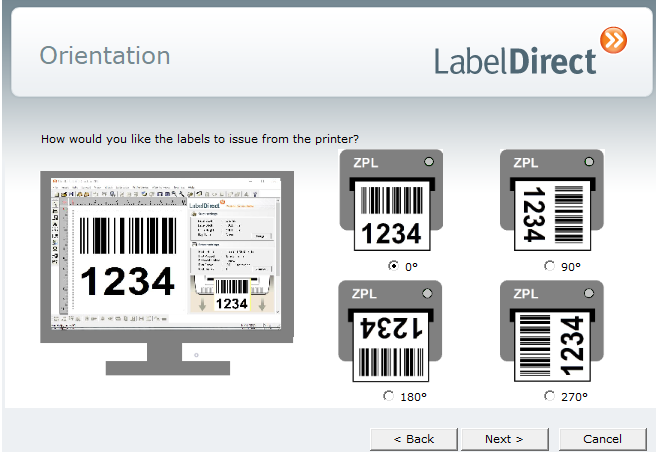
The same wizard configures your printer, including print method, orientation, media handling and other printer-specific settings. Once completed, everything is saved with the label template, eliminating repeated setup.
Ready to Print
Open the label design at any time and LabelDirect automatically applies the correct stock and printer configuration, ensuring consistent results every time you print.
Guided Setup Wizard
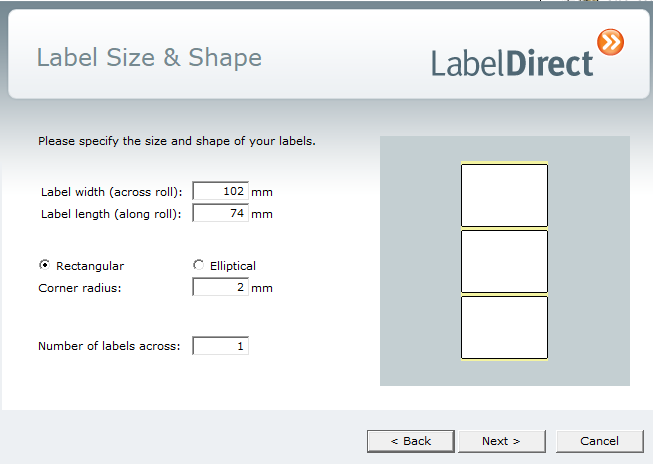
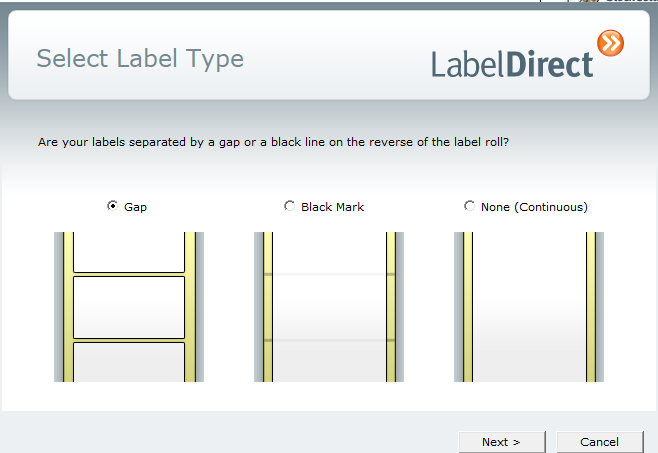
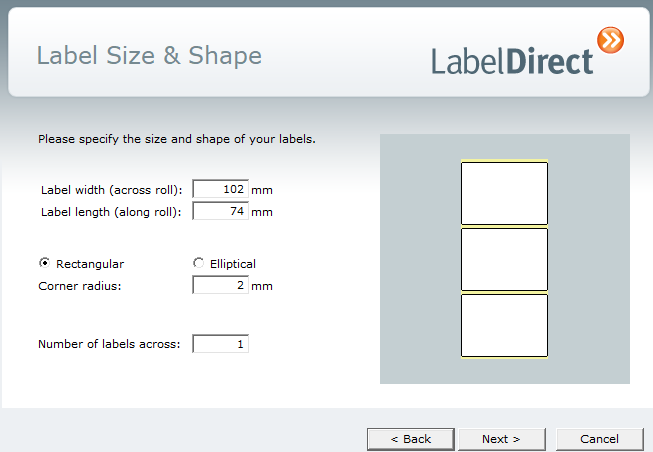
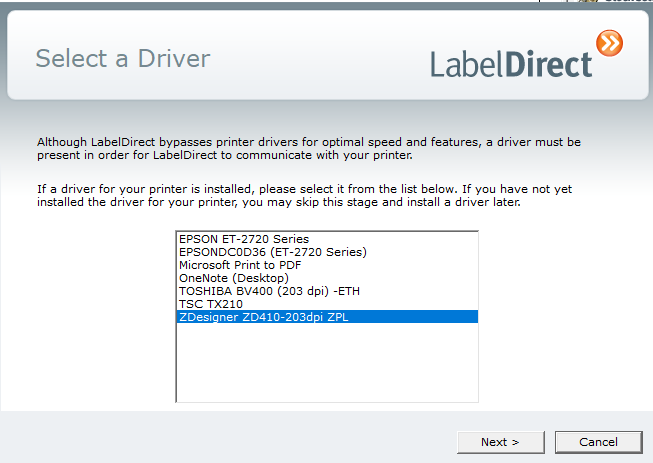
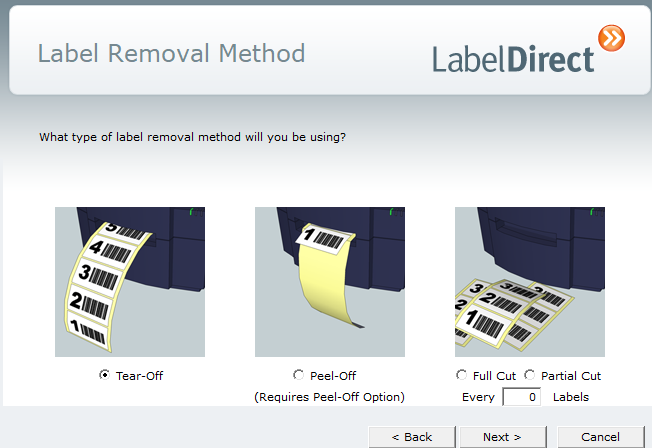
LabelDirect's built-in Setup Wizard guides you through configuring new label stock in just a few simple steps. Clear illustrations and straightforward questions make it easy to create accurate label definitions without needing to understand printer terminology.
A simple step by step process:
LABEL TYPE
LABEL DIMENSIONS
LABEL ORIENTATION
SELECT PRINTER
REMOVAL METHOD
EASY LABEL DESIGN
Efficient Label Design
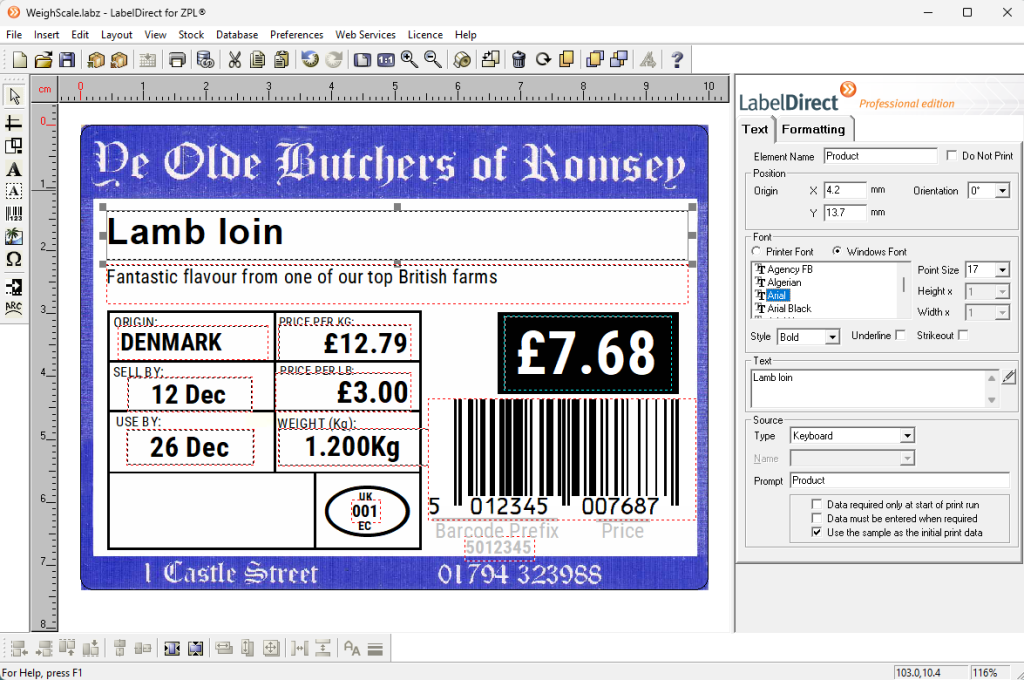
Create professional labels using lines, boxes, text, barcodes, images, symbols, inverse regions and arc text. Changes are reflected immediately in the design, allowing you to see exactly how your finished label will appear as you work.
Single Properties Panel
All element settings are edited from a single tabbed Properties panel. Text formatting, positioning, data sources and advanced formatting options remain in one place, eliminating the need to open multiple dialog windows and helping you work more efficiently.
FLEXIBLE DATA SOURCES
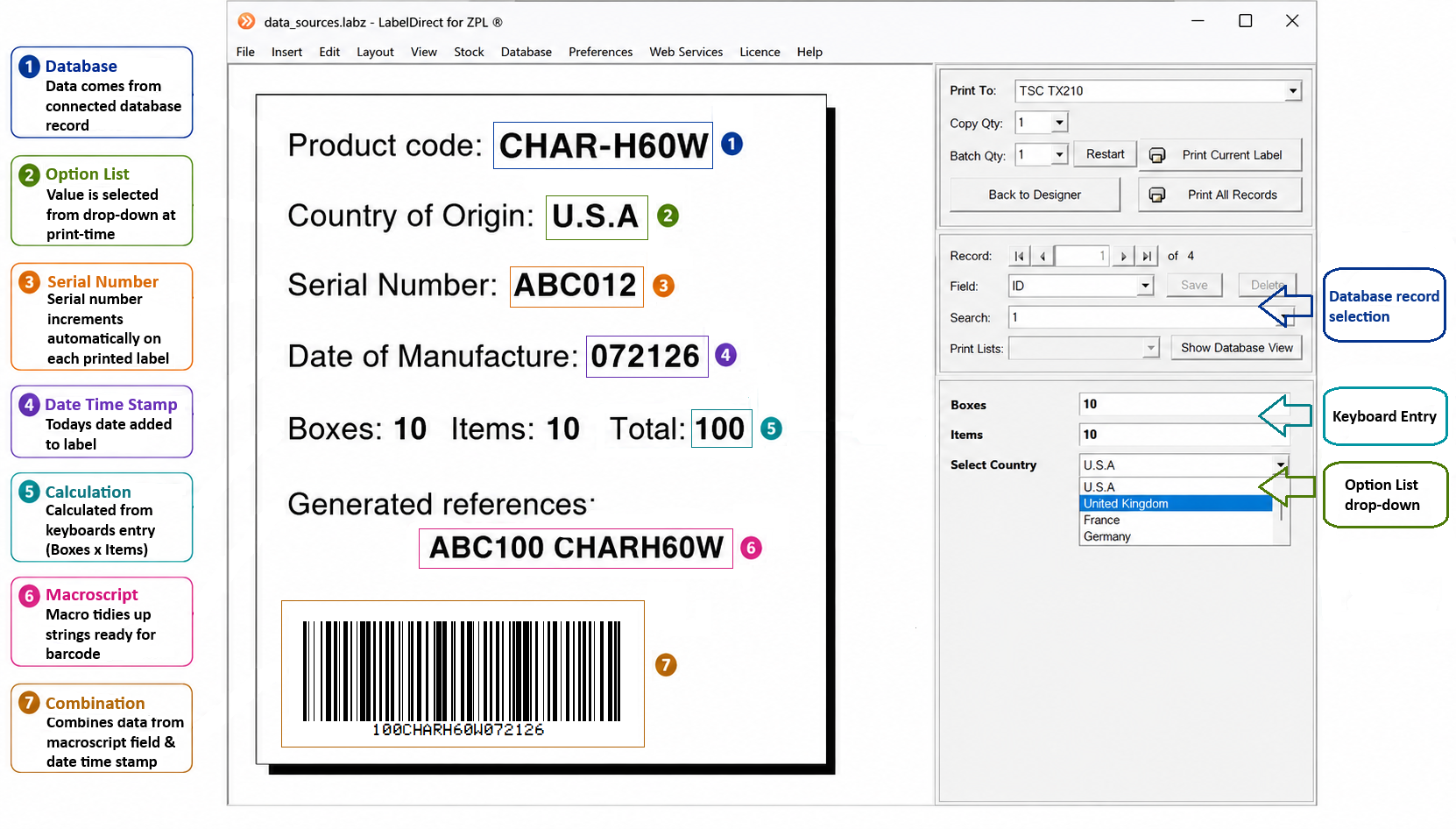
LabelDirect ZPL allows you to link every variable element on a label to a suitable data source. Connect directly to spreadsheets and databases, prompt operators for values at print time, generate serial numbers automatically, perform calculations and use macros to create custom output.
Whether printing individual labels or processing large production batches, LabelDirect combines multiple data sources within a single label design. Database fields, user input, calculations, counters, macros and barcode objects work together to generate accurate labels with minimal operator input.
PRINT INDUSTRY STANDARD BARCODES
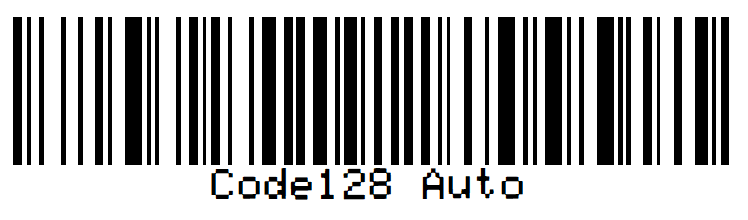
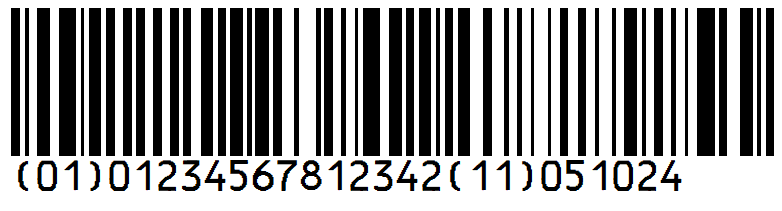
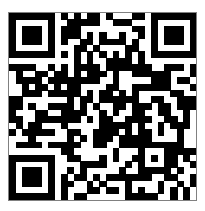
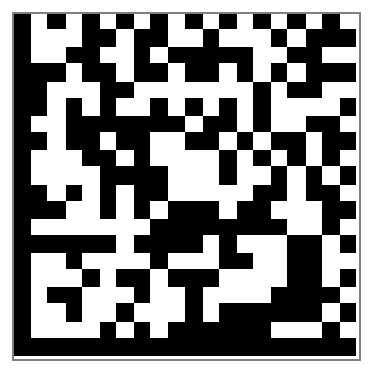
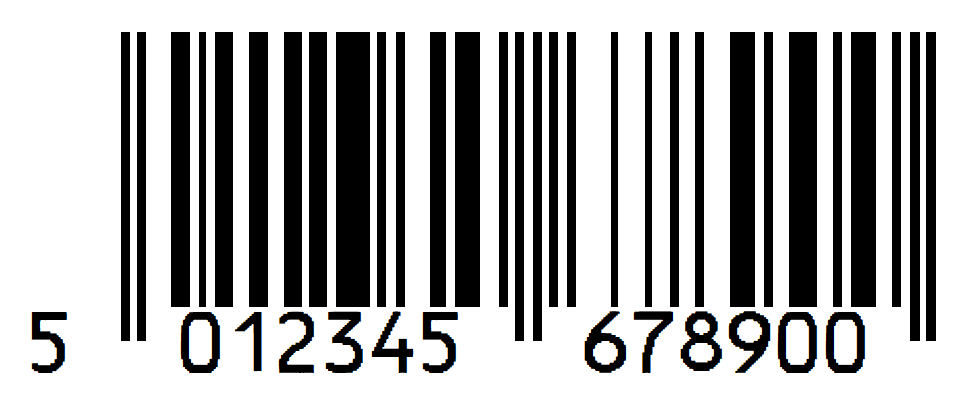
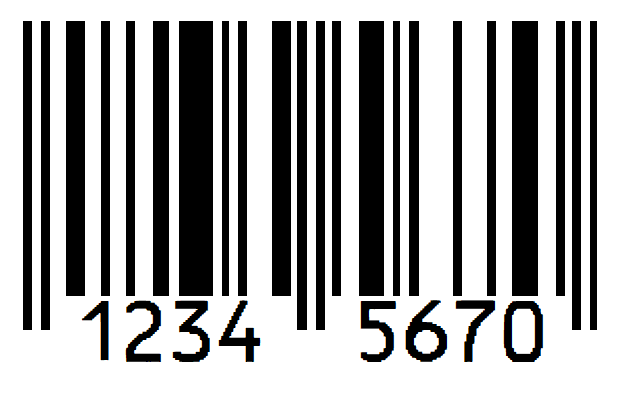
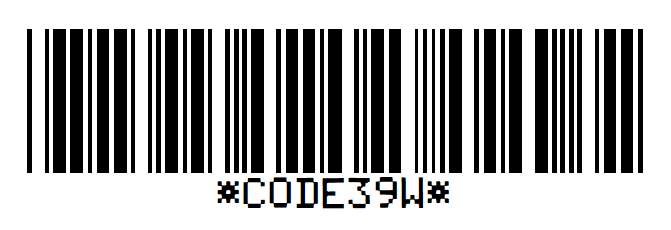
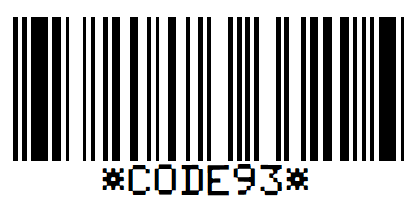
Generate the barcode formats used throughout manufacturing, warehousing, logistics, retail and healthcare. Barcode objects integrate directly with variable data, allowing every label to be produced accurately from database records, counters, calculations and generated values.
Code 128
GS1-128
QR Code
Data Matrix
EAN-13
EAN-8
Code 39
Code 93
LabelDirect also supports: GS1 Data Matrix, Interleaved 2 of 5, UPC-A, UPC-E and other symbologies
EVERYTHING YOU NEED FOR PROFESSIONAL LABEL PRINTING
Label Design
Intuitive, visual label designer
Drag and drop editing
Precision layout tools
Grid and guide alignment
Property panel editing
Group alignment
Automatically fit text to available space
Metric and imperial measurements
Pre-printed backgrounds
Print settings
Printer settings saved with each label
No matching driver settings required
Label and printer setup wizards
Standard and custom label sizes
Gap, black gap and continuous media
Peel off, tear off and cutter modes
Print speed and darkness settings
Print orientation and offsets
Variable Data and Automation
Database fields
Keyboard entry
Automatic counters and serial numbers
Date and time stamps including offsets
Formulae and calculations
Macro scripting
Drop-down option lists
Variable graphics and symbols
Database connectivity
Database connection wizards
Excel, Access and SQL Server
ODBC data sources
CSV and text file support
SQL queries
Advanced record filtering
Saved print-time filters
Database driven print quantities
Printing
High-speed native ZPL printing
Print preview before printing
Keyboard or database-driven printing
Batch printing with Print Lists
Save and reuse print jobs
Dedicated Print-Only edition
Simple operator-friendly print interface
Designed for high-volume production printing
Professional Features
Print to unlimited printers
Use any Windows font
Sample label templates included
Online tutorials
GS1 barcode wizard
Human readable text options
Automatic barcode check digits
Password control of Design or Print Only
READY TO GET STARTED?
Whether you are evaluating LabelDirect ZPL for your business or looking to expand your product portfolio, choose the next step that’s right for you.
Download Free Trial
Evaluate LabelDirect ZPL with a fully functional 30 day trial